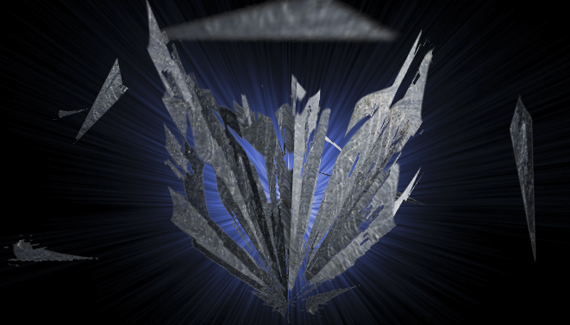
In part two of this tutorial, Corey finishes the Transformers logo he began last week.
Download a preview of the final version of this project by clicking here.

In part two of this tutorial, Corey finishes the Transformers logo he began last week.
Download a preview of the final version of this project by clicking here.


Yay another amazing tutorial! Also, first to comment… 🙂
Great tutorial Corey, could you show how to draw a transformer? Sure that would be like 4 tutorials long but it would be worth it!
Nice!!!
Just saw the movie. Very impressive.
Great tutorial too.
Cool! I have to play around with the 3D features in photoshop some more too. Not very many tutorials on this subject. Thanks for the share. Now I have to see the movie!
Great tutorial! This technique can be applied to make really nice things.
Cool Tutorial but by the way do u save the animations
Go to the File menu to Export and choose Render Video. Here you can access the Quicktime settings.
Great tutorial. Thank you sooo much. Cant WAIT to try out the 3D tool.
Cool tutorial but how do u save the animations
For some odd reason i cant merge my 3d layers. Any help would be much appreciated thanks Corey.
o-ho you are cool
This tutorial caused Photoshop to crash on Windows Vista. I think the 3D stuff killed it.
The Video says {HD not set} so how do I Watch this in HD??
Thanks…