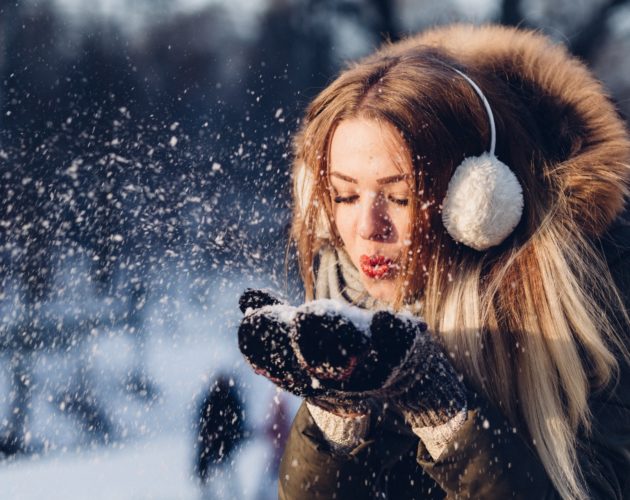
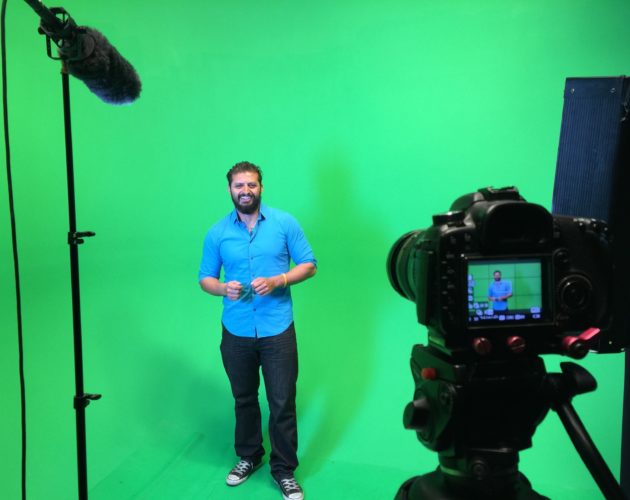
Use a levels adjustment to alter the lightness or brightness of your image. Lesa teaches a technique for using the levels histogram to visually adjust the dark and light areas of your image to create…

Use a levels adjustment to alter the lightness or brightness of your image. Lesa teaches a technique for using the levels histogram to visually adjust the dark and light areas of your image to create…
In order to make this action works in any language, we need to make some steps using the menus (instead shortcuts) so we can fully control the names of every single layer we make. Before…
This tutorial explains how to use the 3D RepoussĂ© feature in Photoshop CS5 Extended to create an amazing balloon-like text effect without the need for any other 3D software. Tutorial Assets 1- Minipop G font…
Use the Photoshop CS6 new Vector Shape Stroke feature to create a futuristic furniture design; inspired by the original Omega model located here at the3dstudio.com. Step One: New Document Preset With Photoshop CS6 open, go…
Lesa Snider shows some creative uses for the refine edge command.
This technique is written for Photoshop CS6 Public Beta, but can be accomplished in prior versions with a few small work-arounds. When I first spotted the graphic for ABC’s Scandal television series, the mysterious wrinkled…
Using Photoshop CS6 create pop-up characters with ease by first isolating the subject from its surroundings then mixed with some filter effects including the new Oil Paint then a few conversions to 3D. Open Choice…
This technique is written for Photoshop CS6, but can easily be accomplished in prior versions. In a previous tutorial, I used a fireman composite to explore a powerful technique for compositing challenging elements such as…