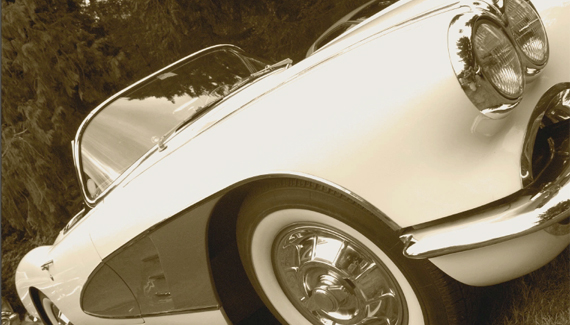
This technique is written for Photoshop CS6 Public Beta, but can be accomplished in prior versions with a few small work-arounds. When I first spotted ...
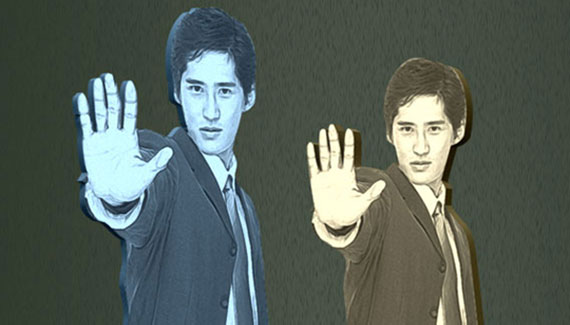
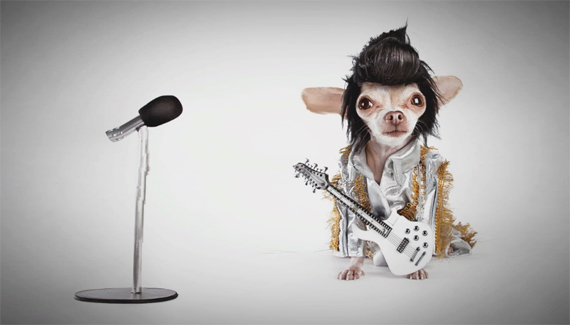
Using Photoshop CS6 create pop-up characters with ease by first isolating the subject from its surroundings then mixed with some filter effects including the new ...
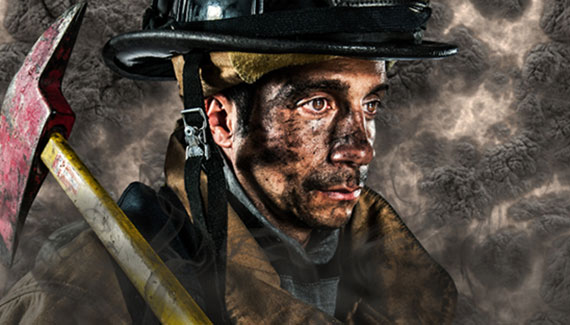
This technique is written for Photoshop CS6, but can easily be accomplished in prior versions. In a previous tutorial, I used a fireman composite to ...
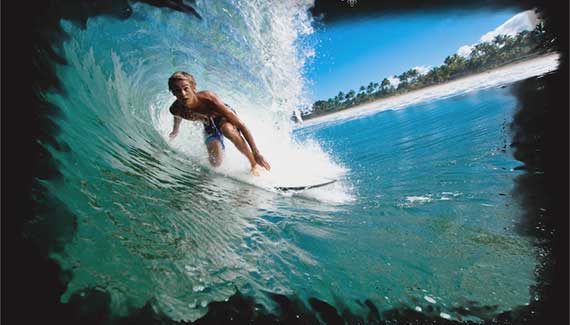
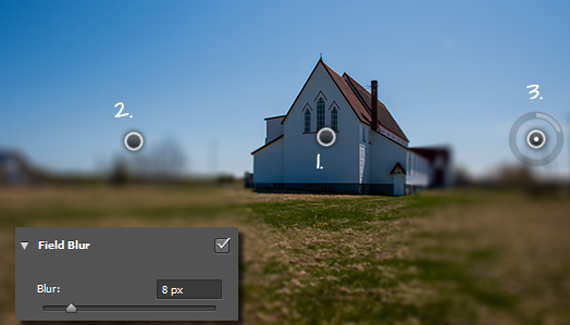
Using Photoshop CS6 to create selective softening effects using the new on-screen Blur Filters. Mix and match among the three filters for a variety of ...