Follow along with Lesa Snider as she shows how to add highlights to your photo subject’s hair using blend modes in Photoshop.

Follow along with Lesa Snider as she shows how to add highlights to your photo subject’s hair using blend modes in Photoshop.
This tutorial will explain how to create a wooden text effect, then apply a simple pattern to add a nice, and unique, touch to the final result.
The type treatment on the cover of the ‘Best of 2012′ iPad version of Photoshop User magazine displays type that appears to be receding into the distance. The entire effect is created using a few clever layer styles and a gradient overlay. Today, I’ll show you how to produce this sweet look.
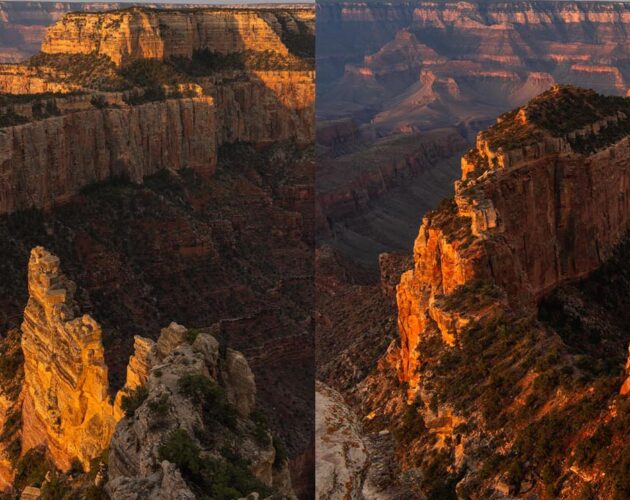
In this tutorial, Stephen Burns sheds some light on how to enhance the color of your photos by using a series of black & white adjustment layers.
This tutorial explains how to create a colorful futuristic looking text effect, using a couple of Layer Styles for multiple layers, and a simple brush.
Working on a children’s book has given me the opportunity to deeply engage my imagination. Specifically, I’ve been dressing up animals with patterns. Doing so has allowed me to play around with custom shapes, layer styles, and blend modes. The process is incredibly fun! Today, I’d like to share some of the remarkable things I’ve learned using a toy rhinoceros as the subject.
I have here some really cool tricks for creating your own holiday wreath in Photoshop, complete with decorations. Once you have the basics down you will see how much fun it is to play around with different arrangements.
Using the Contour effect in layer styles, this tutorial will take you step-by-step through creating these plastic text styles.