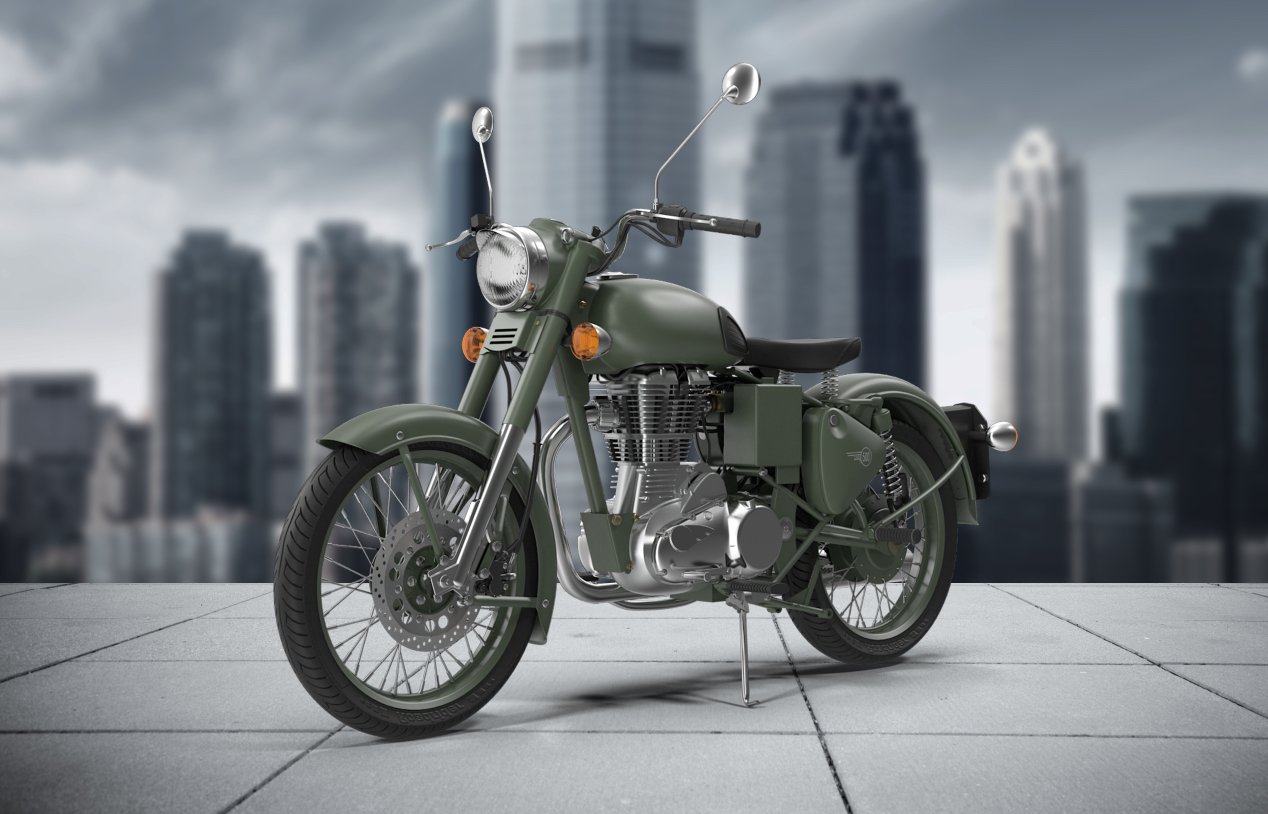
EffectsPhotoshopQuick Tips Quick Production Backdrop One challenge that designers have is how to showcase their companies product in a simple but effective way. This is a great way to quickly ... November 11, 2015 0
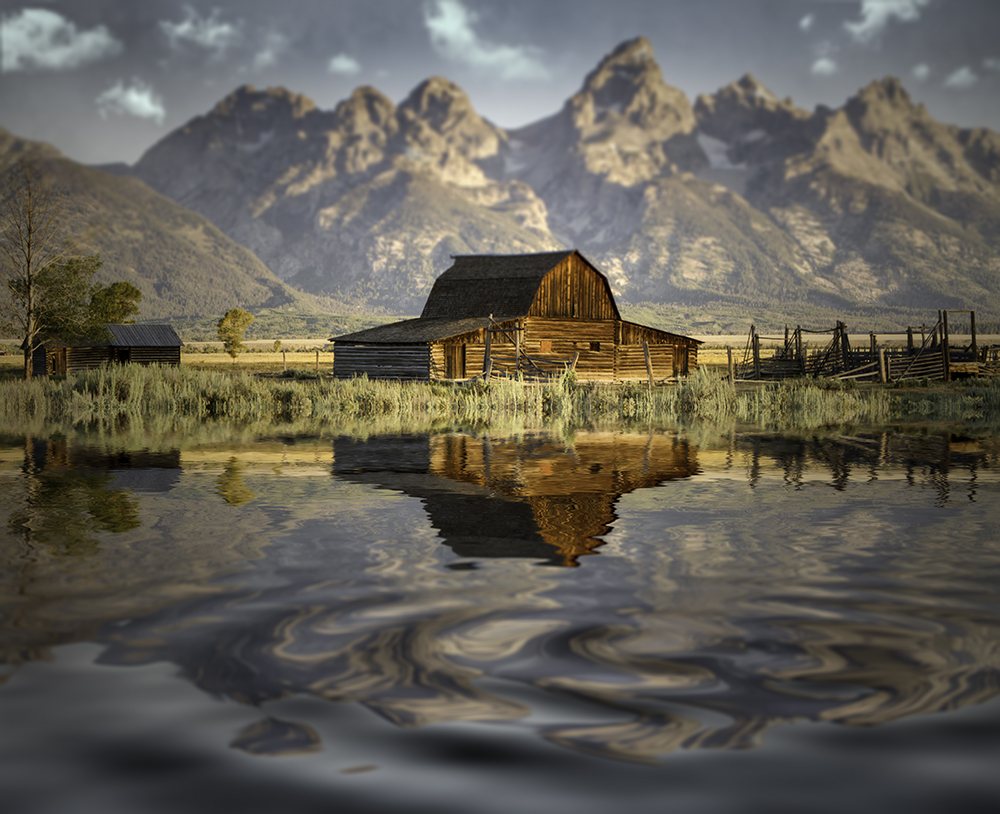
EffectsPhotoshopPlug-InQuick TipsReviews Flood your pictures This free app/plug-in from Flaming Pear has been around for a while, but it is still one of my favorites that I go to over ... July 29, 2015 0
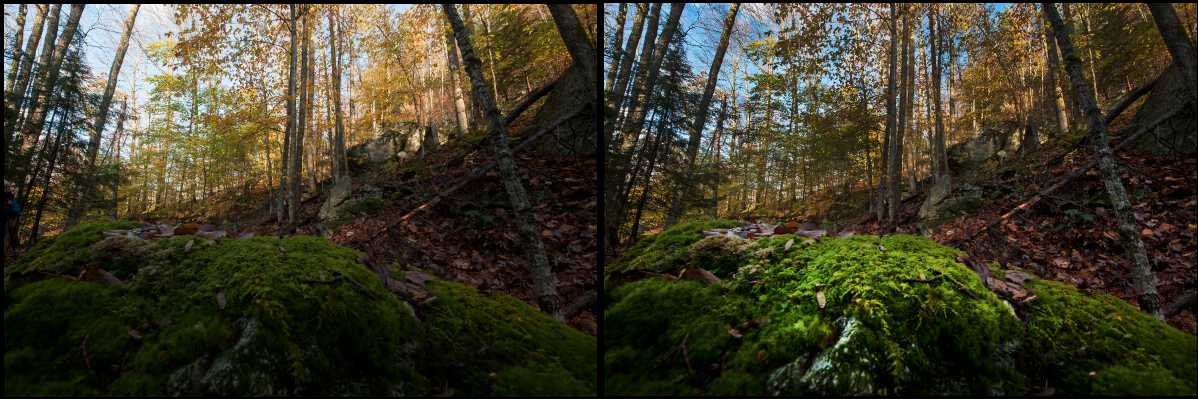
EffectsQuick Tips Using the Dodge and Burn Tools Excerpt from The Adobe Photoshop CC Book for Digital Photographers (2014 Release) In older versions of Photoshop, when we wanted to dodge and burn, we ... March 27, 2015 0
Quick Tips Create A Composite Layer If you have a multilayer composition and you want to apply an effect to all the layers at once, don’t flatten the layers–use a composite ... January 13, 2012 2
Quick Tips Creating Glossy Lips If you see a shiny highlight on your subject’s lips, and you want to make it look glossier, duplicate the Background layer then change your ... January 10, 2012 0
Quick Tips Types Of DashesTypes Of Dashes Did you know there’s more than one dash? In Photoshop, add a standard dash for separating clusters of words by pressing the Hyphen key. To ... January 2, 2012 0
Quick Tips Colorize Your Favorite Commands Do you need every command in every menu for your retouching? You can hide all the commands that you don’t need and colorize all the ... December 23, 2011 0
Quick Tips Expanded View For Adjustment Layers If you find the Adjustments panel is a little on the small side, you can make it larger with one click. Down at the bottom ... December 22, 2011 0